
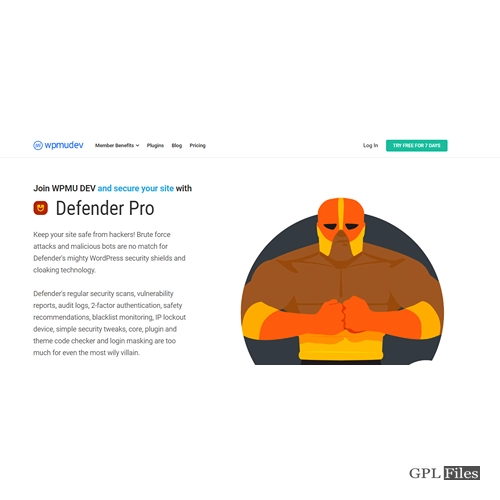
WPMUDev Defender Pro 5.6.0
Original price was: $14.99.$3.99Current price is: $3.99.

WPMUDev Defender Pro
Google Recaptcha Integration
It only takes a few simple clicks to add reCAPTCHA’s extra layer of protection to your website’s login/registration pages, lost password forms, and comment sections, making them more resistant to fraud and abuse. You can tailor your reCAPTCHA experience by choosing the right kind, language, locale, and appearance.
As well as Google, Defender also supports the following reCAPTCHA types:
- ReCaptcha for BuddyPress
- WordPress reCAPTCHA for Online Shops
Firewall and Ip Manager
Use Defender’s IP administration and firewall features to protect your website. You can manually lock out certain IP addresses, import a list of blacklisted IP addresses, and use automated timed and permanent lockouts. With Defender’s superior firewall, you may quickly and easily restrict access to arbitrary websites (WAF).
Login Protection
Defending against brute force login attempts is easy using Defender. It is recommended to restrict the number of failed login attempts to discourage password guessing. Block an IP address indefinitely or force a timed lockout after a certain number of failed login attempts.
Login Screen Masking
Moving the Defender login page to a new URL is simple. White labelling the login experience and increasing branding opportunities are two additional benefits of login screen masking, which complement the increased security it provides.
Force Password Reset
You can require a password reset for all users in a certain group at any moment using the Password Reset feature. Useful if you think there may have been a security compromise on your site.
User Agent Banning
Spammers and scrapers can be blocked or allowed access to your site depending on which user agents you choose. The default configuration allows access from all major search engines and specialised network bots. Defender is simple to install and requires no changes to the.htaccess file or other manual security measures.
Security Headers
Security headers protect your site against the most likely types of attacks, such as: XSS, code injection, cross site scripting, and more. You can enable the following headers:
- X-Frame-Options
- X-XSS-Protection
- X-Content-Type-Options
- Transport Restrictions
- Affiliate Policy
- Permissions-Policy
Related products
-
Sale
Toolset WooCommerce Views 3.4.2
Original price was: $14.99.$3.99Current price is: $3.99. -
Sale

WP Content Crawler - Get content from almost any site, automatically! 1.12.0
Original price was: $14.99.$3.99Current price is: $3.99. -
Sale

Element Pack - Addon for Elementor 6.4.0
Original price was: $14.99.$3.99Current price is: $3.99. -
Sale
Modula Pro 2.8.21
Original price was: $14.99.$3.99Current price is: $3.99. -
Sale
JetWooBuilder For Elementor 2.2.3
Original price was: $14.99.$3.99Current price is: $3.99. -
Sale
Apex Notification Bar - Responsive Notification Bar Plugin for WordPress 2.1.8
Original price was: $14.99.$3.99Current price is: $3.99. -
Sale
Hreflang Manager WordPress Plugin 1.33
Original price was: $14.99.$3.99Current price is: $3.99. -
Sale

Barn2Media WooCommerce Private Store 1.8.1
Original price was: $14.99.$3.99Current price is: $3.99.